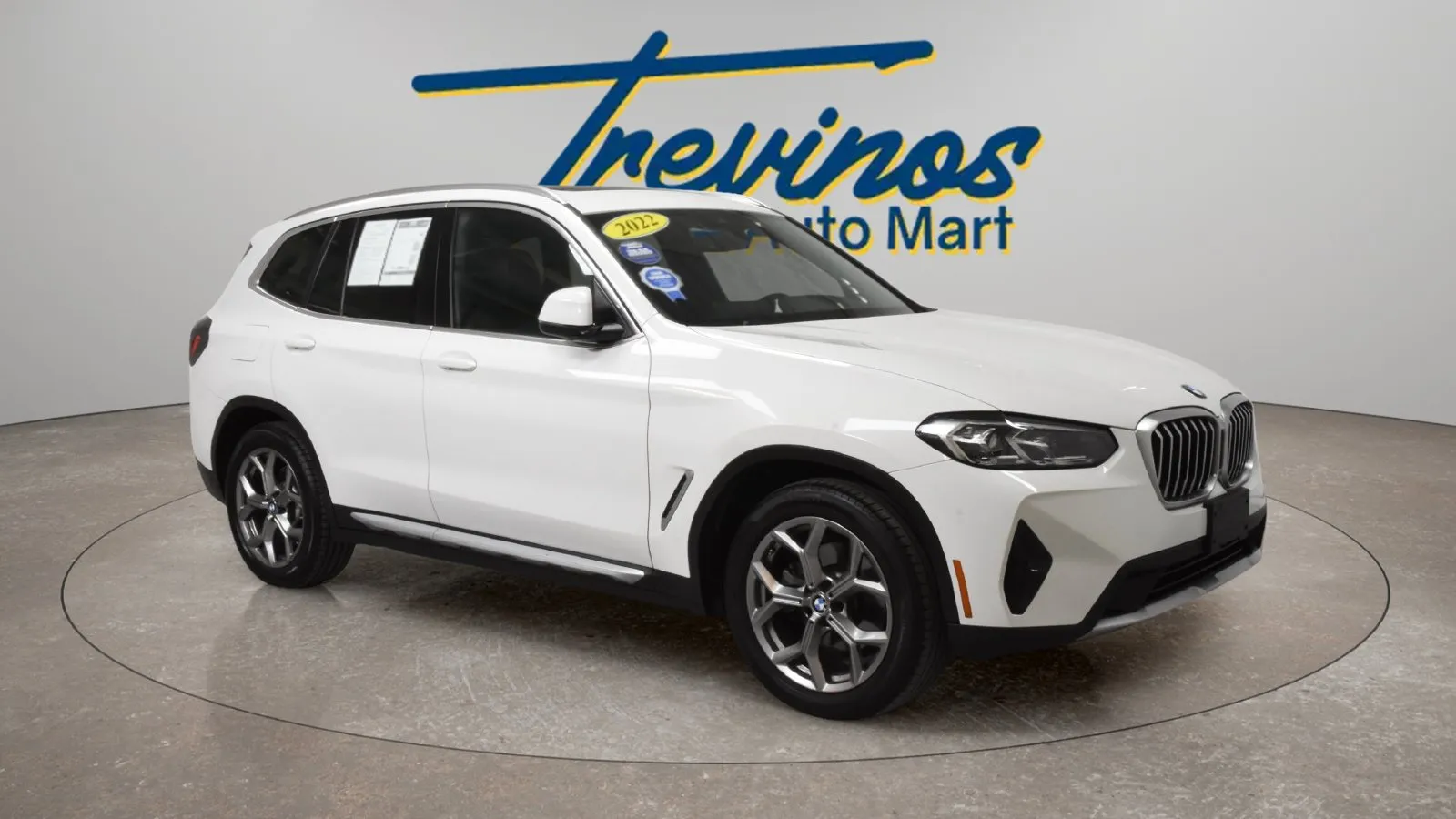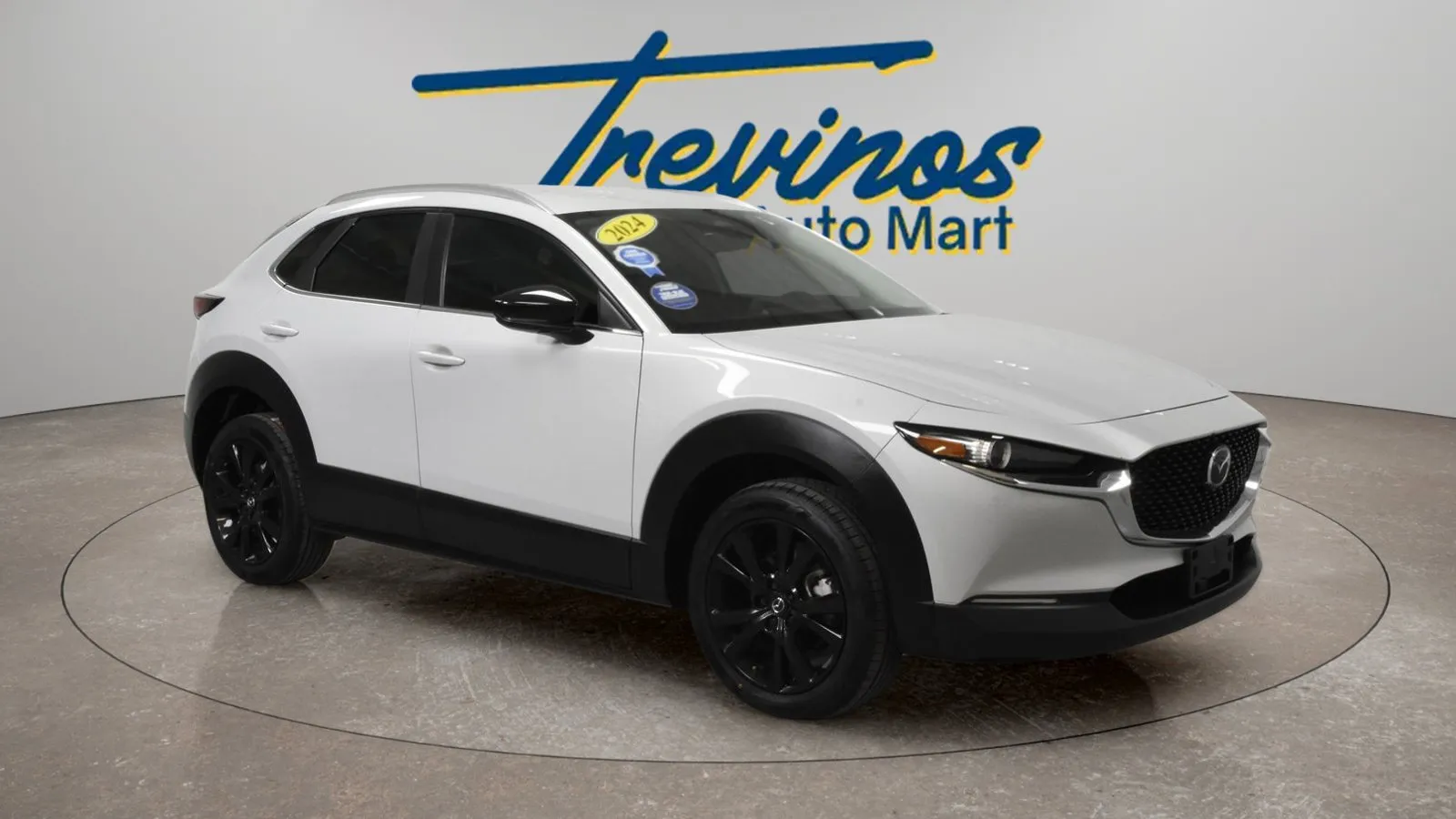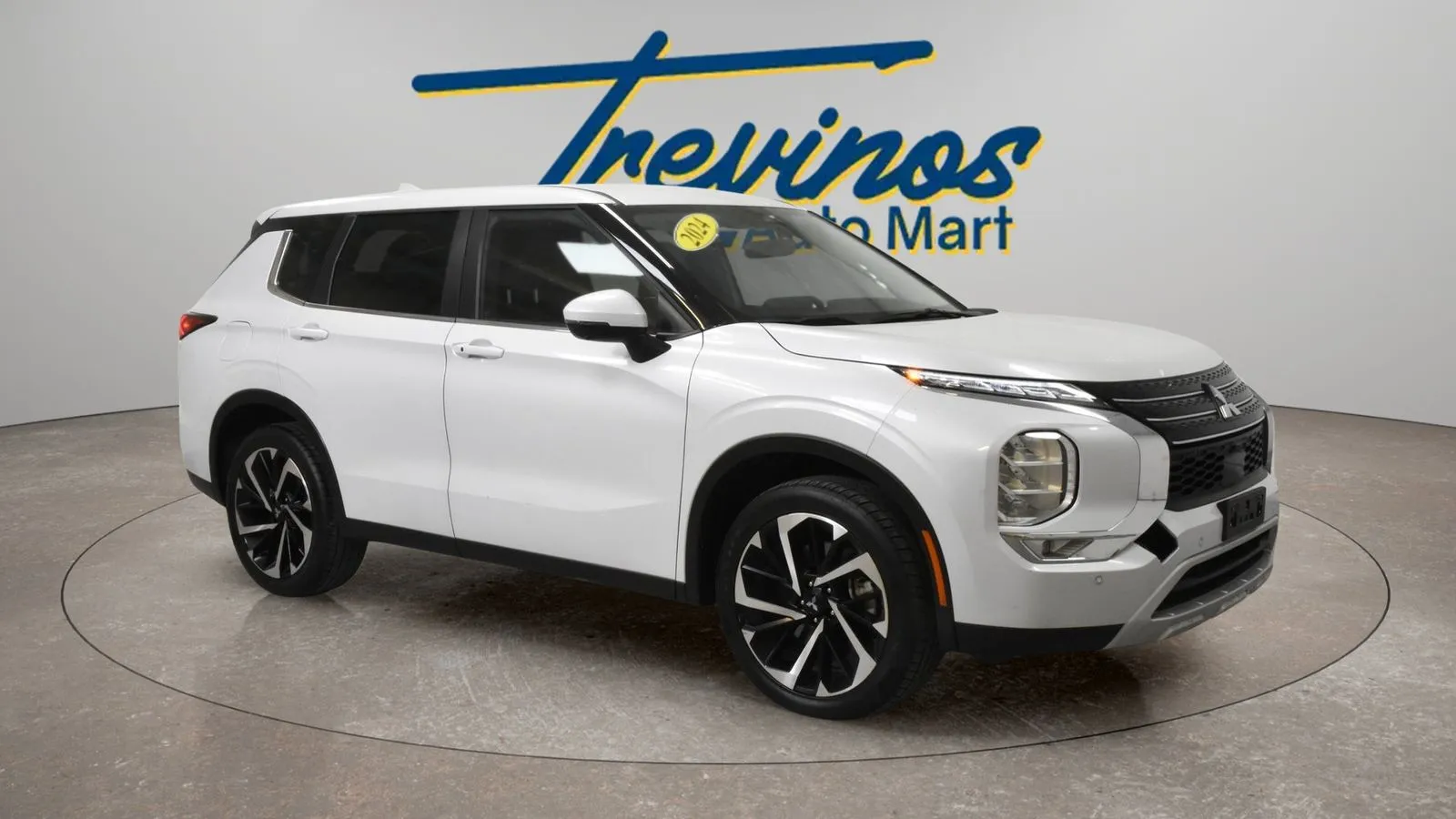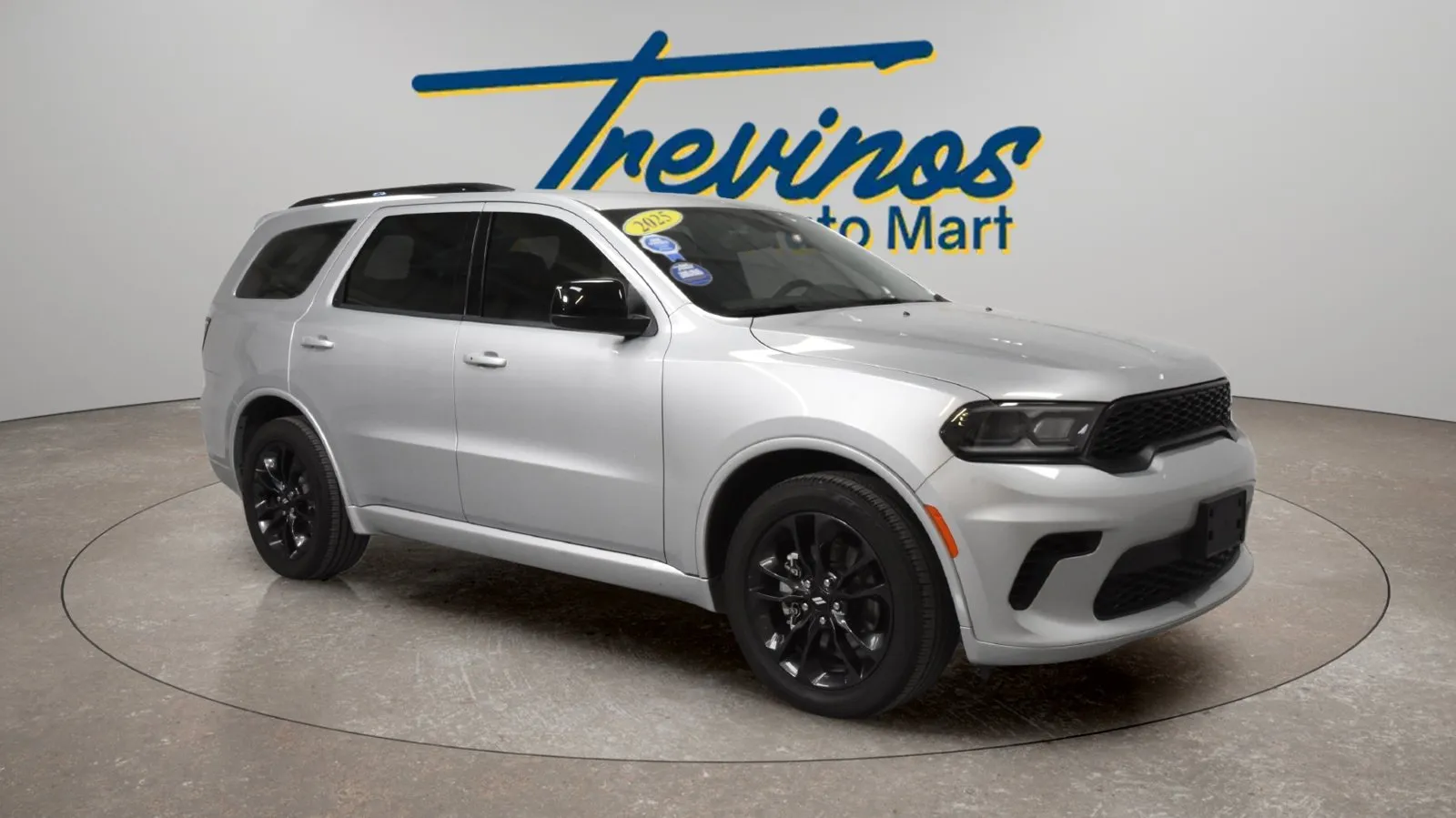
How to Read a Used Car Listing Before Visiting a McAllen Dealership
Table of Contents
- How to Read a Used Car Listing Before Visiting a McAllen Dealership
- Start With the Full Vehicle Name
- Use the Stock Number to Keep Your Favorites Straight
- Read the Equipment List Around Your Priorities
- Look Through the Entire Photo Gallery
- Compare Vehicles Using the Same Information
- Confirm Availability and Ask About the Total Price
- Send a Specific Inquiry
- Use the Listing to Prepare for Your Visit
- Find Your Shortlist at Trevino’s Auto Mart
How to Read a Used Car Listing Before Visiting a McAllen Dealership
Online shopping makes it easy to find used cars that catch your attention. Knowing what to look for in a listing helps you turn those possibilities into a manageable shortlist.
The vehicle title, photos, equipment list, price, and identifying details each serve a purpose. Read them together, and you can arrive at the dealership with specific vehicles to compare and useful questions already prepared.
Whether you are browsing from McAllen, Pharr, Edinburg, or Mission, here is how to read a used car listing before planning your visit.
Start With the Full Vehicle Name
A listing title usually combines the year, make, model, and trim. Each part helps you identify what you are viewing, but the model name alone is only a starting point.
Two vehicles with the same model name may have different seating, interior materials, technology, or convenience features. Read the full title and the equipment details before deciding that two listings represent the same configuration.
Instead of writing down only the model name, save the complete listing title and its link. If you return to your search later, those details help you avoid confusing similar vehicles.
When comparing trucks, also note the listed cab and bed configuration. For SUVs, look for the actual seating information. Choose details that relate to how you will use the vehicle, rather than trying to memorize every specification.
Use the Stock Number to Keep Your Favorites Straight
When several listings look similar, identifying information becomes especially helpful. Save the stock number alongside each vehicle’s link so the dealership can find the exact unit you are asking about.
You may also see a vehicle identification number, or VIN. Each vehicle has a unique VIN, and the NHTSA VIN decoder can help you review basic vehicle information.
For your shortlist, keep a simple note with the full vehicle name, stock number, and listing URL. That makes it easier to ask about a particular car instead of describing it as “the white SUV” or “the black truck.”
- If two saved links appear to describe the same vehicle differently, ask the dealership to clarify the details before relying on either description.
Read the Equipment List Around Your Priorities
A long feature list can be hard to scan. Start by choosing three or four features that would affect your decision.
For a daily commute, you might care about phone connectivity, seat adjustments, and convenient controls. For a family vehicle, your priorities might include rear seating access, passenger space, and the way the cargo area works. If you carry equipment, you may want to look more closely at the vehicle’s layout.
Check whether the listing specifically names each feature. If something important is missing, add it to your questions. If a feature is mentioned but its operation is unclear, ask for confirmation or a demonstration.
For example, if Apple CarPlay or Android Auto matters to you, confirm how it works on that exact vehicle. Do not assume that every trim or model year has the same setup.
Look Through the Entire Photo Gallery
The first photo introduces the vehicle. The rest of the gallery helps you decide what you want to see more closely.
Look for views of the front and rear seats, dashboard, center console, cargo area, and exterior. Compare what you see with the written description. If the listing mentions a feature you cannot identify in the photos, make a note to ask about it.
Use your own routine as a guide. A parent might want a clearer look at the rear-seat layout. Someone bringing work equipment might need to see the cargo opening with the seats in different positions. A driver who values easy-to-use controls may want a closer dashboard photo.
You can request an additional photo or short video when a detail is not clear. Photos help you prepare for a visit, but they cannot establish the vehicle’s full mechanical condition.
Compare Vehicles Using the Same Information
It is easy to lose track of why you liked a car after opening several tabs. Use the same categories for each listing so your comparison stays useful.
Keep the shortlist to two or three vehicles you would seriously consider. If one is missing a feature you would not compromise on, clarify that point before investing more time in it.
You can start this comparison with the current inventory at Trevino’s Auto Mart, then save the links to the vehicles you want to discuss.
Confirm Availability and Ask About the Total Price
Before traveling to the dealership, confirm that the exact vehicle is available to view. Share the stock number or listing link so there is no confusion about which car you mean.
The Federal Trade Commission recommends confirming that a vehicle is on the lot and requesting its written out-the-door price before visiting. That gives you a more complete figure to review than the advertised price alone.
Ask what the quoted total includes and clarify anything you do not understand. Keep the response with your vehicle notes so you can review the information consistently across your shortlist.
If you are driving in from another Valley city, also confirm the appointment details and which vehicles you expect to compare during your visit.
Send a Specific Inquiry
A useful message can be short. Include the vehicle, the feature you need confirmed, and when you hope to visit.
For example:
“Hi! I’m interested in the SUV listed under stock number _____. Is it available to view? Could you confirm the seating configuration and phone connectivity? I’d like to compare it with another vehicle and plan a test drive.”
You can adapt that message around your priorities. The point is to give the team enough information to answer questions about the exact vehicle you found.
If you have two favorites, include both listing links in the same message. Explain what you are comparing, such as passenger space, cargo access, or specific equipment. This gives your visit a clear starting point.
Use the Listing to Prepare for Your Visit
An online listing helps you organize your search and decide which questions deserve attention. Your visit is the opportunity to check how the vehicle fits you in person.
Bring your saved links and notes. Try the seating position, look at the passenger and cargo areas, and ask to see the features that matter to you. Arrange a test drive and discuss any unanswered questions about the vehicle.
The FTC also recommends reviewing a vehicle history report and obtaining an independent inspection. A listing or history report does not replace that inspection.
As you compare vehicles, add what you learn to your original notes. A feature that looked appealing online may matter less once you try it, while something you overlooked—such as seat comfort or rear visibility—may become a priority.
Find Your Shortlist at Trevino’s Auto Mart
Ready to put your online research to work? Browse used cars, trucks, and SUVs at Trevino’s Auto Mart in McAllen.
Save the listings that fit your needs, note your questions, and contact our team to confirm availability and plan a visit. A little preparation can make your time at the dealership more focused and useful.